What Is TIA Portal? The Complete 2026 Guide for Industrial Automation
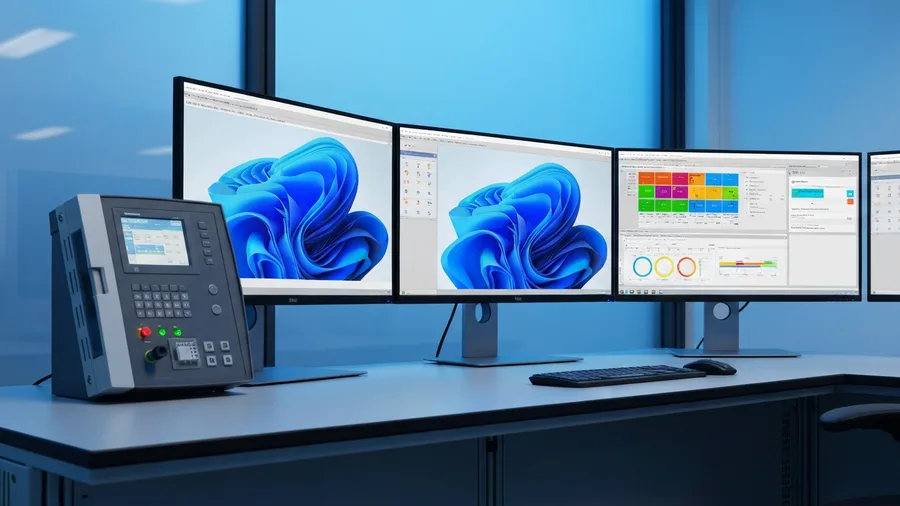
Walk into any modern plant running Siemens controllers, and you will hear one phrase more than any other: TIA Portal. The Totally Integrated Automation Portal is the single engineering environment that programs, configures, and commissions almost every Siemens device on the floor, from a small S7-1200 PLC to a full WinCC SCADA station. For control engineers, integrators, and plant managers planning a 2026 upgrade, understanding what TIA Portal does (and does not do) is the difference between a smooth project and a costly rework.
This guide breaks down the platform in plain language: what TIA Portal is, which devices it supports, how it compares to legacy tools like STEP 7 and WinCC Flexible, and where it fits in a real industrial automation project. Whether you are evaluating a control system modernization or onboarding a new engineer, the answers below will save you days of trial and error.
What is TIA Portal?
TIA Portal is Siemens’ engineering framework for industrial automation. Released first in 2010 and now on version 19 (with version 20 in early access), the platform unifies seven previously separate Siemens tools into one project view: SIMATIC STEP 7, WinCC, SINAMICS Startdrive, SIMATIC Safety, SIMOCODE ES, SIMATIC Energy Suite, and SIMOTION SCOUT TIA.
In practice, that means an engineer opens a single project, drags an S7-1500 CPU, a TP1500 HMI, a G120 drive, and a few ET 200SP I/O modules onto the same Devices & Networks view, then wires the program logic, screen graphics, and motion profiles in tags that auto-sync across all of them. That shared symbol table is what makes TIA Portal genuinely integrated, and it is the reason most new Siemens-based projects start there by default.
Which Siemens hardware does TIA Portal support?
The supported device list has grown sufficiently that almost every Siemens automation product introduced after 2012 is engineered using TIA Portal. The most common families you will encounter in plants today:
- SIMATIC S7-1200 and S7-1500 PLCs. The current generation of compact and high-performance controllers is used in everything from packaging lines to power substations.
- SIMATIC ET 200SP and ET 200MP distributed I/O. Rack-mounted and DIN-rail I/O for remote signal aggregation.
- SIMATIC HMI Comfort, Mobile, and Unified panels. Operator screens ranging from 4-inch keypads to 22-inch widescreens.
- WinCC Unified and WinCC Professional. Full SCADA visualization deployed on PC stations and panels.
- SINAMICS G, S, and V drives. Variable frequency drives commissioned through Startdrive are integrated into the same project.
- SIMATIC Safety Integrated. Fail-safe CPUs and F-I/O for safety-rated logic up to SIL 3.
- SIMATIC Energy Suite. Built-in energy monitoring blocks for ISO 50001 reporting.
Legacy S7-300 and S7-400 controllers are also supported in TIA Portal V14 and later, which is what most plants still running 1990s- and 2000s-vintage Siemens iron use for ongoing maintenance.
TIA Portal vs. legacy tools: STEP 7 Classic and WinCC Flexible
If you have been around Siemens automation for more than a decade, you have seen three engineering tools come and go. Here is how they compare.
STEP 7 Classic (SIMATIC Manager)
The original STEP 7 software shipped from the late 1990s through the mid-2010s and programmed S7-300, S7-400, and the early S7-1500 controllers. It used a Windows MDI interface with one window per editor: hardware config, OB1, FCs, FBs, DBs. STEP 7 Classic is still installed at thousands of sites for maintenance work, but is no longer the recommended tool for new builds. TIA Portal replaces it with a single project tree and a much faster compile.
WinCC Flexible
WinCC Flexible was the HMI engineering tool for SIMATIC OP and TP panels through the 2010s. It is fully superseded by WinCC in TIA Portal, which uses the same tag database as the PLC program and removes the manual tag import step that caused most legacy commissioning bugs.
TIA Portal: one project, one tag pool, one compile
The practical advantage is the shared symbol table. Change a tag name on the PLC side and every HMI screen, alarm message, and historical archive that references it updates automatically. Engineers used to STEP 7 Classic often report 30 to 50 percent faster commissioning on their second TIA Portal project, once the new workflow clicks.
TIA Portal editions: which one do you actually need?
Siemens sells TIA Portal in a tiered structure. The edition you license determines which engineers can do which jobs.
- STEP 7 Basic. Programs S7-1200 only. Used by OEMs and machine builders working with compact PLCs.
- STEP 7 Professional. Programs the full S7 family including S7-1500, S7-300, S7-400. The default license for plant integrators.
- STEP 7 Safety Advanced. Add-on for programming F-CPUs and SIL-rated safety logic.
- WinCC Basic. Bundled with STEP 7 Basic for engineering Basic Panels.
- WinCC Comfort. For Comfort, Mobile, and Basic Panels (the most common HMI license).
- WinCC Advanced. Adds runtime visualization on PC stations.
- WinCC Professional. Full PC-based SCADA with redundancy, web clients, and large tag counts.
- WinCC Unified. The HTML5-based next-generation visualization platform Siemens is steering new projects toward.
A typical brownfield retrofit project in 2026 ships with STEP 7 Professional, WinCC Comfort, and Safety Advanced, often bundled in a TIA Portal Engineering license that covers an entire engineering team.
Programming languages supported in TIA Portal
TIA Portal supports all five IEC 61131-3 programming languages, plus Siemens’ own structured text dialect. In rough order of plant adoption:
- Ladder Logic (LAD). Still the dominant language for discrete control, motor starters, and interlock logic.
- Function Block Diagram (FBD). Common for process control and analog signal handling.
- Structured Control Language (SCL). Siemens’ Pascal-like structured text. Increasingly preferred for math-heavy algorithms, recipes, and library code.
- Statement List (STL). Being phased out. Still present for legacy S7-300/400 code migrations.
- Graph (S7-GRAPH). Sequential function chart language for batch and step-based control.
- CFC (Continuous Function Chart). Used in process automation, especially with PCS 7.
Most new TIA Portal projects mix LAD for I/O-level logic, SCL for reusable function blocks, and Graph for sequence control. The platform’s cross-reference and go-to-definition features finally make multi-language projects readable, which was painful in STEP 7 Classic.
TIA Portal in a real integration project
Software is only half the picture. A working TIA Portal project on a plant floor involves the right combination of engineering, networking, and safety choices. The biggest decisions an integrator faces are below.
1. PROFINET network topology
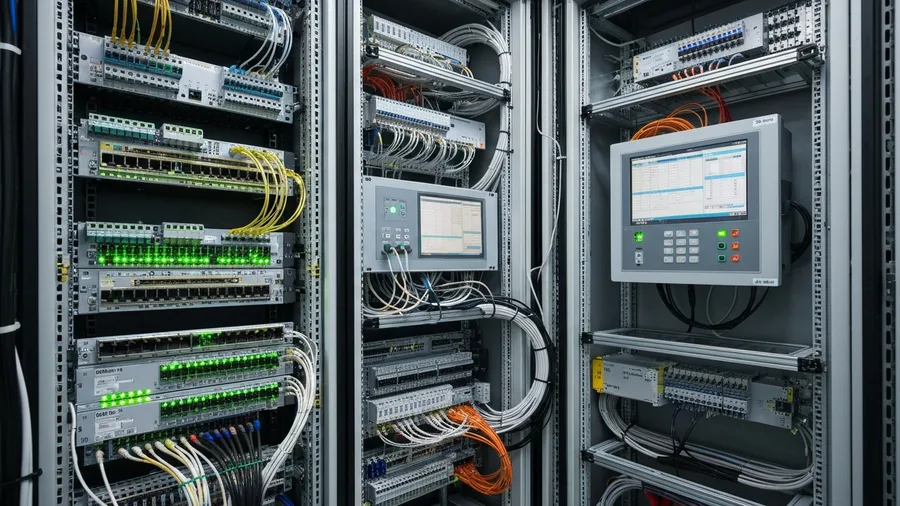
TIA Portal generates PROFINET configuration automatically when you draw the network. But the engineer still chooses the physical topology: star, line, ring with MRP, or redundant H-system. Topology choices drive cable cost, fault recovery time, and future expansion room. For a deeper look, our guide to SCADA system design covers the topology trade-offs in detail.
2. CPU sizing and performance reserves
TIA Portal shows estimated CPU load, work memory, and cycle time during compilation. Sizing a controller with only 10 percent reserve almost always leads to a costly upgrade three years later. Most experienced integrators design for 40 to 50 percent headroom on day one.
3. Library and standardization strategy
The biggest single ROI from TIA Portal comes from reusable libraries: function blocks for valves, motors, drives, and PID loops that the team commits to one source of truth. Plants that skip this step end up with 12 different valve blocks across 12 projects and pay for it on every retrofit.
4. Migration from STEP 7 Classic
The TIA Portal Migration Tool reads STEP 7 Classic projects and converts them to TIA format. The output usually compiles but rarely runs as-is. Plan to allocate 20 to 40 percent of the original engineering hours to clean up symbol tables, retest interlocks, and refactor STL into SCL. For legacy systems older than the S7-400, our breakdown of when to upgrade a PLC addresses the deeper question of modernization.
Common TIA Portal mistakes plants make
Most of the painful TIA Portal incidents we see in the field trace back to the same handful of mistakes:
- Mixing TIA Portal versions on the same engineering machine without proper isolation. Each TIA Portal version is a separate install, and project compatibility is one-way. V18 projects do not open in V17.
- Skipping the Compile-and-Download-All step before commissioning. Engineers download just the changed block, then discover at commissioning that the HMI tag database does not match.
- Not committing the project to version control. TIA Portal projects can be checked into Git via the Multiuser server, but most small integrators still ship USB sticks. A weekly automated archive is the bare minimum.
- Using default IP addresses on production PROFINET segments. Two devices ship with 192.168.0.1 from the factory, and the conflict only shows up after the panel is bolted shut.
- Forgetting to enable Know-How Protection on intellectual property. Without it, the next contractor can copy your custom blocks straight into their next bid.
TIA Portal and industrial cybersecurity
Siemens released a hardened TIA Portal Hardening Guide and the SIMATIC Security Configuration Manager because plants began connecting engineering stations directly to OT networks. The current recommendation from both Siemens and the U.S. CISA ICS guidance is to:
- Run TIA Portal on a dedicated engineering workstation, never a shared business PC.
- Disable the PG/PC interface on production CPUs after commissioning.
- Enable PROFINET Security with signed and encrypted communication on TIA Portal V17 and later.
- Apply CPU access protection levels (Levels 1 through 4) appropriate to the asset’s criticality.
- Patch TIA Portal versions promptly. Siemens publishes monthly advisories through ProductCERT.
For an overview of how engineering software fits into a broader SCADA defense plan, see our SCADA security best practices guide.
Is TIA Portal right for your plant?
If your facility already runs Siemens controllers, the answer is almost always yes. The exception is sites in long-term maintenance mode on S7-300 hardware with no plans to expand. For those, STEP 7 Classic v5.7 still has support and is cheaper to keep than re-licensing.
If you are running Allen-Bradley, Schneider, or Mitsubishi controllers, TIA Portal will not help directly, but understanding its workflow will help when evaluating competing platforms such as Studio 5000 Logix Designer or EcoStruxure Control Expert. Most multi-vendor integrators today are fluent in two or three of these environments.
The bottom line
TIA Portal is now the standard engineering environment for Siemens automation, and adoption is no longer optional for plants planning a multi-year upgrade. The platform pays back its learning curve within two to three projects through shared tags, library reuse, and faster commissioning.
The mistakes that hurt the most (mixed versions, weak network segmentation, no version control) are all preventable with a clear engineering standard before the first download.
Pro-Tech Systems Group has been delivering Siemens-based integration projects across oil & gas, water, and manufacturing since 1988. If you are scoping a TIA Portal migration or a brownfield upgrade and want a second set of eyes on the architecture, our integration team is happy to walk you through the trade-offs. Get in touch for a no-pressure consultation.